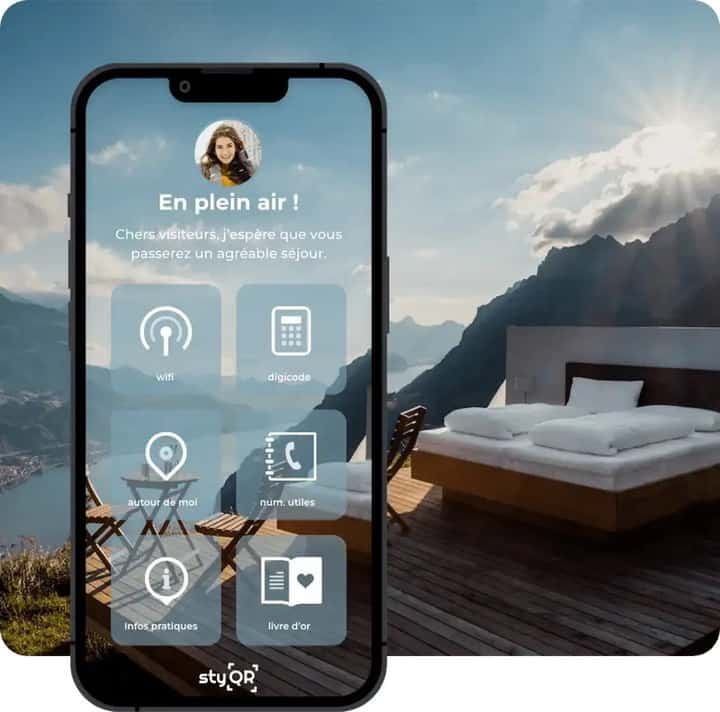
Digital welcome book: what to change for winter
Every new season brings its own updates! So what should you add to your digital welcome book?
Here we are: winter has arrived! And as with every change of season, we recommend that you update your digital welcome book. Local recommendations, useful information... plenty of things can vary from one season to the next. So think of your guests and give them everything they need for a perfect stay.

Information to add
During the winter season, plenty of things need to be removed from your digital welcome book, but even more need to be added:
- Comfort-related information: where to findthe blankets, how the heating works...
- Safety-related information: any areas to avoid, a slippery terrace...
- Activities near you: skiing, snowboarding...
It is up to you to think about everything that changes at your property, and in your town, over the winter months. It matters a great deal to guests to have all the information to hand for their stay.

What should you remove from your digital welcome book?
As well as information to add, you may well have some to remove! It can cover many different areas:
- Safety: some walks recommended in summer can bedangerousin winter
- Food and drink: restaurants and small shops that may be closed
- Transport: altered routes, services closed for the season...
- Changed phone numbers: neighbours may be away over the winter season
- Activities: anything unusable or not insured during the winter
Think about all the information in your digital welcome book that may be out of date. That is why it is so important to update your digital welcome book season by season. Simply think about the information you would like to have yourself. And if you want to make all these changes in just a few clicks, you can upgrade to StyQR Premium!
The table below sets out, area by area, what goes into the welcome book for winter and what comes out of it.
| Area | Add for winter | Remove from the summer version |
|---|---|---|
| Comfort | Where the blankets are kept, how the heating is set | Nothing to remove |
| Safety | The slippery terrace, the spots to avoid | Hikes recommended in summer |
| Activities | Skiing, snowboarding | Activities that are unusable or uninsured in winter |
| Food and shops | Nothing to add | Restaurants and mini-markets that are closed |
| Transport | Nothing to add | Changed routes, lines closed for the season |
| Contacts | A contact who is around during the season | The number of the neighbour who is away in winter |
Frequently asked questions
When should I update my digital welcome book? Every time the season turns. Winter shifts as much as summer does: what was accurate in August can be wrong in January. Use the changeover as your cue to read the whole guidebook again, instead of waiting for a guest to call.
What should I add to a welcome book for winter? Three kinds of information. Comfort first: where the throws are kept, how the heating is set. Then safety: the terrace that turns slippery, the spot to avoid when it freezes. And the seasonal activities, skiing or snowboarding, which had no place in the summer version.
Why delete information instead of just leaving it there? Because wrong information does more damage than missing information. The hike you recommend in summer can be dangerous in winter, the local shop may close for the season, bus times change. A guest who follows your guidebook and finds a locked door ends up calling you.
Should I remove the neighbour's phone number in winter? If they are away all winter, yes. An emergency contact who never picks up reassures nobody and wastes time exactly when there is none to spare. Replace them with someone who is around during the season, or drop the line.
How do I work out what changes from one season to the next? Go through what moves, in the property and in your town: shops that close, reduced bus routes, activities that stop. The best filter is you: write down what you would want to find if you arrived here in the middle of winter knowing nothing.
Does it take long to update the welcome book between seasons? Not if the welcome book is digital. The StyQR Premium plan lets you rework those sections in a few clicks. The thinking takes longer than the typing.