
Your addresses, with the walking distance.
The bakery that's open on Mondays, the restaurant worth the detour, the late-night pharmacy. Your guests search on Google and land on the same places as everyone else. You, on the other hand, know.
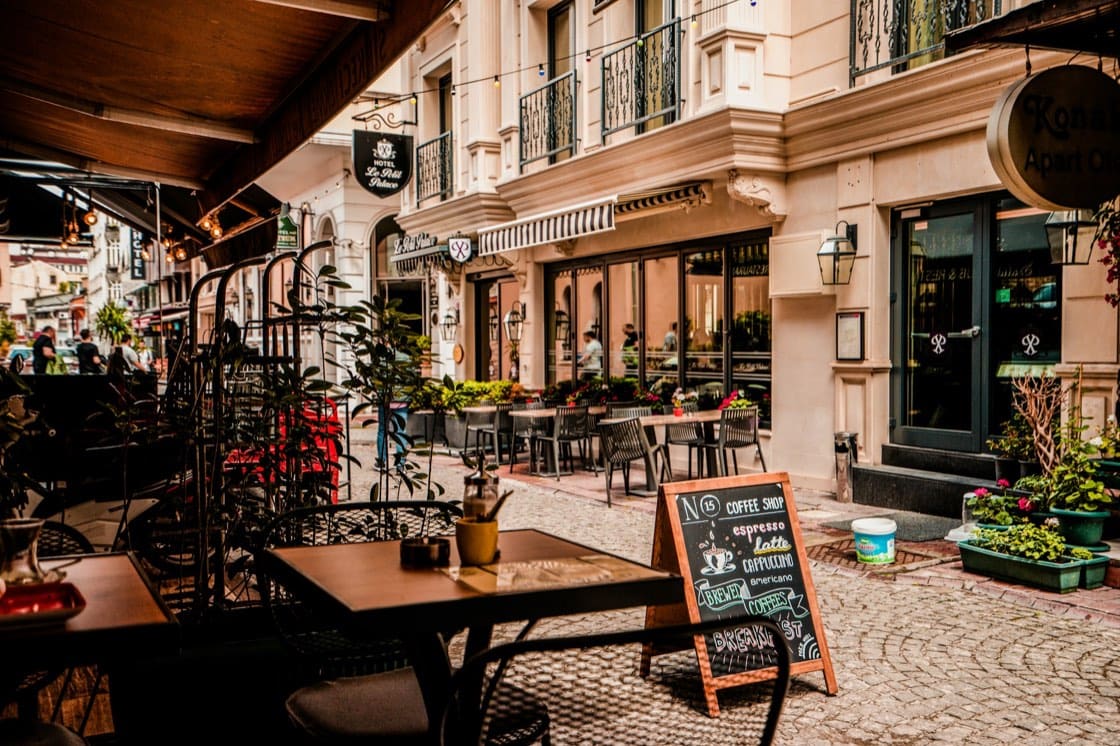
Sunday evening, everything's shut
Your guests arrive on Sunday and wonder where to eat. They search online, land on a place that closed six months ago, and end up at the kebab shop by the station. You knew three good tables ten minutes' walk away.
How it works
What it includes
- Automatic generation around the property's address
- Real walking and driving distances, not straight-line ones
- Photos of the places, and a full-screen map
- Your favourites badged and moved to the top
- A separate Partners module, for the businesses you recommend
The questions we're asked
Do I have to enter the addresses one by one?
No. They're generated around the welcome book's address, and you only keep what suits you. You then add your own places.
What happens if a business closes?
Places are checked against Google and closed businesses are flagged. You remove the address in one tap, for every upcoming stay.
What's the difference with the Partners module?
Local recommendations are general. Partners are the businesses you recommend and work with: bike hire, caterer, tradesperson.
You switch it on from your account, whenever you need it.
Start with the welcome book: 14-day trial, all the features, no card required. The extras can be added afterwards, à la carte.
Photo: Tony Lee on Unsplash


Deliver a 5-star experience, with no extra effort
You already have all the information. You're just missing the tool. Your season starts soon: 10 minutes is often all it takes, as the AI does the heavy lifting.