
Your paper welcome book makes itself.
You've already entered everything in your digital welcome book. The paper welcome book takes that content, lays it out and hands you a print-ready PDF. Nothing to type again.
Free, included in your subscription
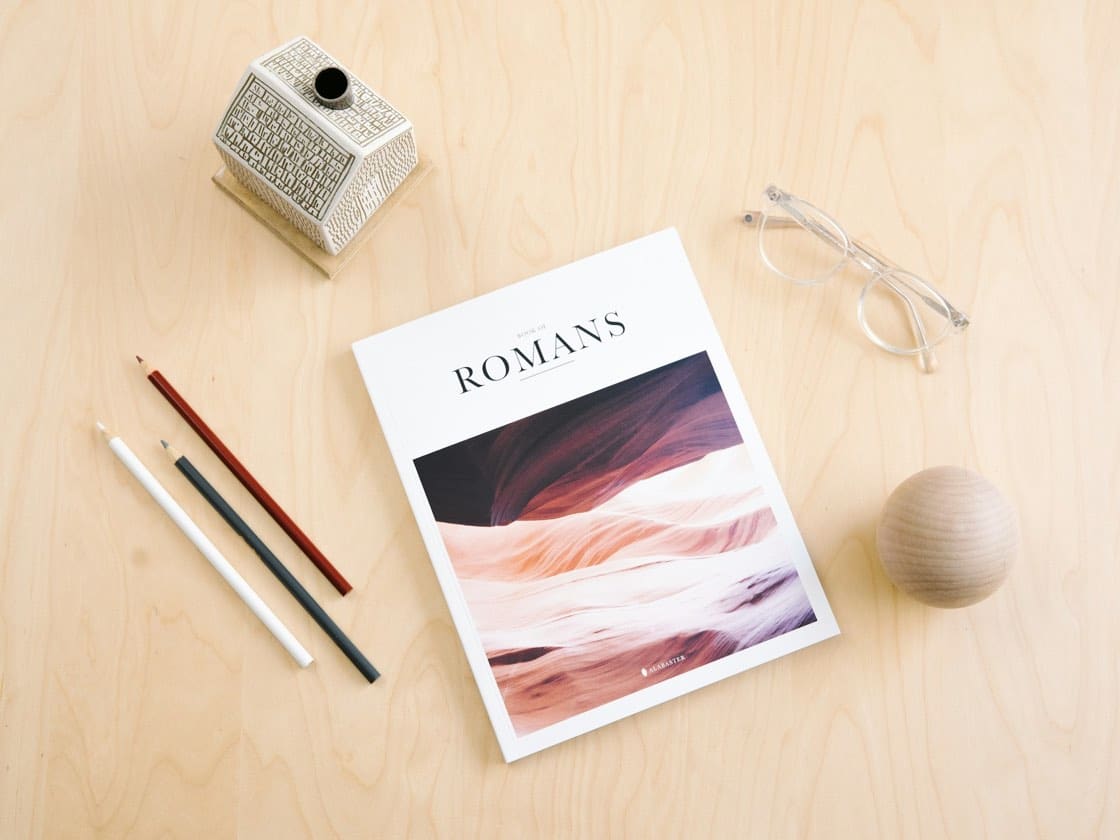
Not everyone reaches for a QR code
A retired couple who prefer paper, an area with poor signal, a living room where a handsome document looks good on the coffee table. The paper welcome book doesn't replace the digital one, it backs it up, and above all it's built from the same content, so it doesn't go out of date on its own.
How it works
What it includes
- The content comes from the digital welcome book: enter it once for both formats
- A layout style and a content template of your choosing
- A preview before generation
- Generation of several welcome books at once, in the background
- A print-ready PDF, for home printing or a print shop
The questions we're asked
Is the paper welcome book chargeable?
No. Generating the PDF is included in your subscription, as many times as you like. Only the printing itself, if you hand it to a print shop, is at your expense.
Do I have to re-enter the content for the paper version?
No. The paper welcome book is generated from the content of your digital welcome book: you add your information once, and both formats live off it.
Can I generate the paper welcome book for several properties?
Yes, generation can be launched for several welcome books at once and runs in the background. You're notified when the PDFs are ready.
Do I see the result before printing?
Yes: you choose a style and a content template, and you preview it before downloading the PDF.
You switch it on from your account, whenever you need it.
Start with the welcome book: 14-day trial, all the features, no card required. The extras can be added afterwards, à la carte.
Photo: Alabaster Co on Unsplash


Deliver a 5-star experience, with no extra effort
You already have all the information. You're just missing the tool. Your season starts soon: 10 minutes is often all it takes, as the AI does the heavy lifting.