Attract more guests with social media
Want an easy way to boost your bookings? Get yourself onto social media!
Yes, booking platforms do let you upload photos. But what could be better than creating a dedicated page for your rental on social media? Here is a detailed look at why it matters for you.

1. Why does it matter?Over the past few years, social media, and Instagram in particular, have become the new search engines. When you want to try out a restaurant, one of your first instincts is to look up its photos on Instagram. It is exactly the same for rentals!
Having a dedicated page on social media does two things: it showcases daily life at your rental and it makes it easier to chat with prospective and past guests. You can post photos, add the ones taken by your guests and tell them far more than a rental platform ever allows.

2. Which social network should you focus on?As mentioned above, most searches happen on Instagram. So start there! It lets you share photos, videos, a link through to a possible booking and hold conversations by private message.
It makes a wonderful shop window for your rental! One word of warning though: your page needs to be clear and complete.
Here is the information to include: the name of the rental, the location (not the exact address), the link to a platform or to your own booking site, and your name.
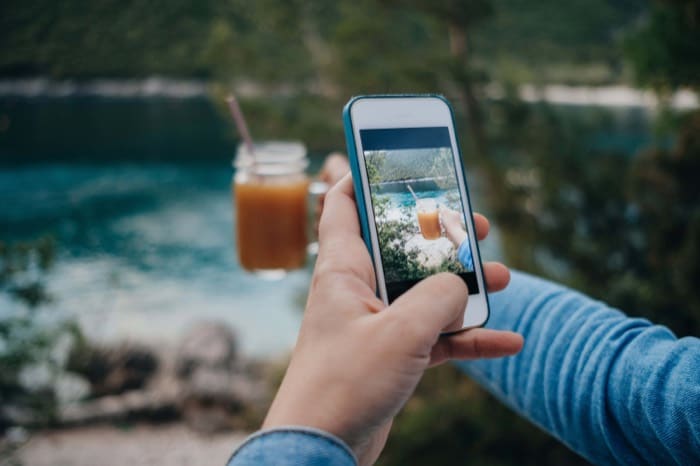
As for photos and videos, they need to be good quality: a blurry photo will not tempt anyone. Take the time to shoot pictures across the different seasons, for example. Bring them to life by including people, whether that is you or your guests, provided they are happy with it.
Do let your guests know that you have an Instagram page and encourage them to tag you or use your hashtag. You could go for something like #nameoftherental.
When you write the text of your listing on booking platforms, do include the name of your Instagram page, so guests can discover your world.
To help you along, here is an example: @lagrangedubonheur,So, fancy giving Instagram a go? Go for it: it is free and it can pay off handsomely!
Frequently asked questions
Should I choose Instagram over another social network? Yes, it is the network to prioritise first. Most of the searches happen there, much like when people check photos of a restaurant before going. Once this page is set up, you can consider other networks.
What information should I put on my property’s page? Include the name of your property, its location without the exact address, a link to your booking platform or website, and your name. These elements are enough to make the page clear and complete for a visitor discovering your world.
How can I get good photos without a photographer’s budget? Take the time to photograph your property across the seasons, using natural light. Avoid blurry photos at all costs, they make no one want to book. Bring life into your shots by including people, whether yourself or guests who agree to appear.
How can I encourage my guests to talk about me on Instagram? Let them know you have an Instagram page and invite them to tag you or use a dedicated hashtag, for example #propertyname. You can also add, with their consent, the photos they post to your own page.
Should I mention my Instagram page in my booking listing? Yes, it is worth doing. Mention the name of your Instagram page in the text of your listing on the booking platform. Guests will then be able to discover your world before they even book.
Does creating an Instagram page cost anything? No, it is free. All it takes is time to build it up with good photos and clear information. It is an investment of time, not money, that can bring you new guests.
Here's what you need to set up on your Instagram page to attract and convert your visitors.
| Element | Role | Tip |
|---|---|---|
| Property name | Identify your property | Clear and complete |
| Location (no exact address) | Show geography | Protect your security |
| Booking link | Convert visitors | To your platform or website |
| Quality photos | Create desire | One per season, natural light |
| People in images | Bring it to life | You or consenting guests |
| Dedicated hashtag | Encourage guest sharing | Format: #propertyname |
| Instagram link in listing | Create a path to social | Mention @yourinstagrampage |