Photos of your property: the basics
Your listing should reflect your property and its atmosphere. To boost your bookings, there is nothing better than beautiful photos!
Taking lovely photos of your property is essential if you want more views and more bookings. We know it is not always easy to show certain rooms off at their best, but we are here to help you. We are going to share all our advice for taking photos that will bring you more visibility!

How should you take your photos?
The basis of a lovely photo is the light and the camera. So, as far as possible, try to take your photos with a proper camera. If you do not have one, a smartphone will do the job too, as long as the quality is good enough.
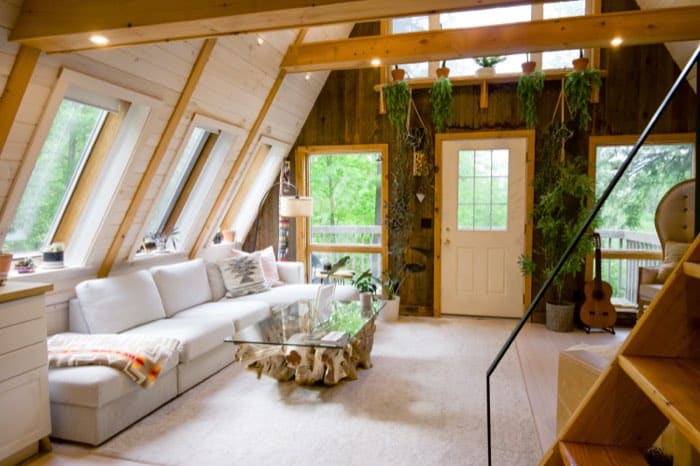
As for the format, go for landscape, which creates a feeling of space and lets you show more.
Finally, photograph your property in broad daylight if it is bright, and add a few evening shots if they add something (a lake view, a starry sky, and so on). Showcase what you love most about your property as much as you can.

What should you photograph?
Everything! Well, almost. The first thing is to show every room in your property. The customer needs an overall picture of what they are about to book.
Then, if you have a favourite spot or a few details you are fond of, go for it! But be careful: 3 photos of the property against 5 photos of the beach, the woods or nearby activities will get you nowhere. Here is a good example.
Also make sure you do not appear in the photos (watch out for mirrors, reflections and so on).
It is also worth photographing your property in every season, especially if the surroundings change a great deal.

How should you edit them?
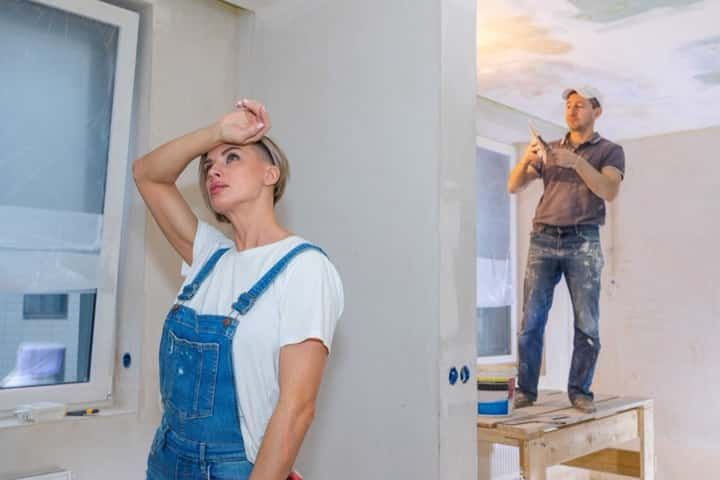
If your photos look a little dull, or if you left the mop lying around during your photo session, do not panic! Here are a few free apps that will help you enormously:
- Snapseed
- Enlight
- VSCO
Editing your photos will take a little time, but do not forget: beautiful photos attract more people, and therefore more bookings!

Here is a summary of the applications and their uses to enhance your photos.
| Application | Main function | Ideal for |
|---|---|---|
| Snapseed | General color and brightness adjustment | Dull or low-contrast photos |
| Enlight | Removal of unwanted elements | Forgotten details like a mop |
| VSCO | Filters and overall mood | Creating visual consistency across photos |
How can you make your property more appealing?
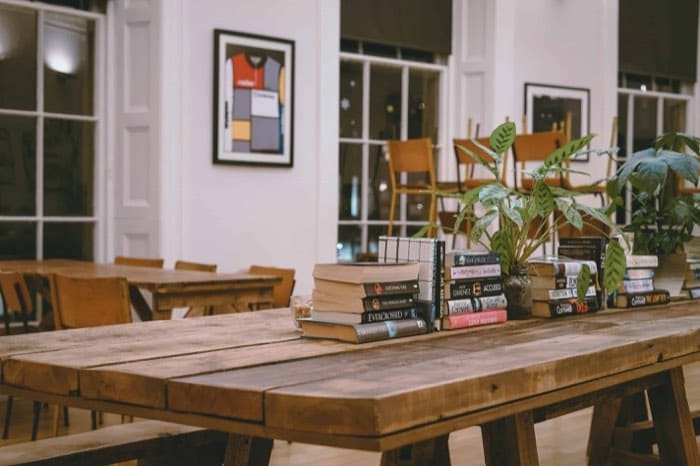
What are people looking for? A sense of life! They want to picture themselves there. To imagine sitting on your sofa or sleeping in your bed, which looks so comfortable. Feel free to add a few touches of colour and life: books, flowers, a fruit bowl and so on. All these details will help the guest imagine themselves in your home. Be careful, though, not to add too much, especially if you are not leaving it in the property. Your visitor could end up feeling misled. There you have it: you are now a photography pro when it comes to your property! Well done! Do share with us what helped you the most!
Frequently asked questions
Do I need a professional camera to take good photos? No, a smartphone is enough as long as its quality is decent. What matters most is the light and using a landscape format, which gives a sense of space. A camera is still preferable if you have one on hand.
How many photos should I take of each room? The goal is to show every room to give a complete picture of the property. It’s better to focus on photos of the accommodation itself rather than multiplying shots of the beach or nearby activities. An imbalance, like three photos of the property for five of the surroundings, doesn’t help.
Which apps should I use to edit my photos? Snapseed, Enlight and VSCO are three free apps that make it easy to edit your photos. They help fix slightly dull shots or erase small forgotten details, like a mop left lying around. It takes a bit of time, but great photos attract more bookings.
Can I appear in my own photos? No, it’s better to avoid appearing in your photos, even unintentionally in a mirror or reflection. The traveller needs to picture themselves in the property without distraction. So check for reflections before publishing your photos.
Should I add decorative items for the photos? Yes, a few touches of life like books, a bouquet or a fruit basket help the traveller picture themselves there. It gives the impression of a lived-in space rather than an empty one. Just be careful not to overdo it, especially if these items aren’t actually left in the property, or you risk disappointing the guest on arrival.
Is it better to take photos during the day or at night? Prefer daytime if your property is bright, as it’s the most flattering time for most rooms. Add a few evening photos only if they bring something special, like a lake view or a starry sky. The idea is to highlight what you love most about your place, not to multiply shots for the sake of it.
On the same topic