
The condition report is signed from their phone.
The guest walks through the rooms, takes photos, adds comments and signs. You get a PDF report. That's what counts on the day a deposit is disputed.
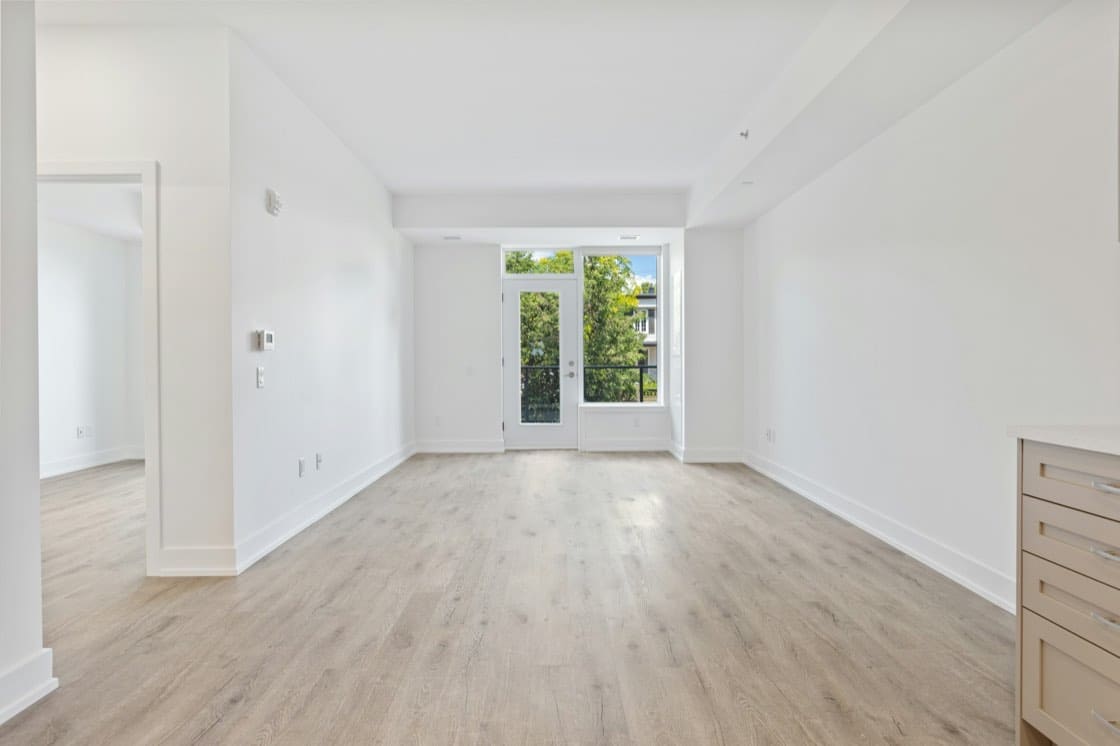
The deposit, three weeks later
A scratch on the coffee table. You think it's new, the guest insists it was already there. With no dated photo, the discussion turns into one word against another, and you usually end up letting it go. The digital condition report closes the debate before it opens.
How it works
What it includes
- A check-in walkthrough and a check-out walkthrough
- Photos taken from the phone, compressed on upload
- The guest's signature, and verification of their number internationally
- The downloadable PDF report, evidence in the event of a dispute
- The same process across all your properties
The questions we're asked
Does the guest have to install anything?
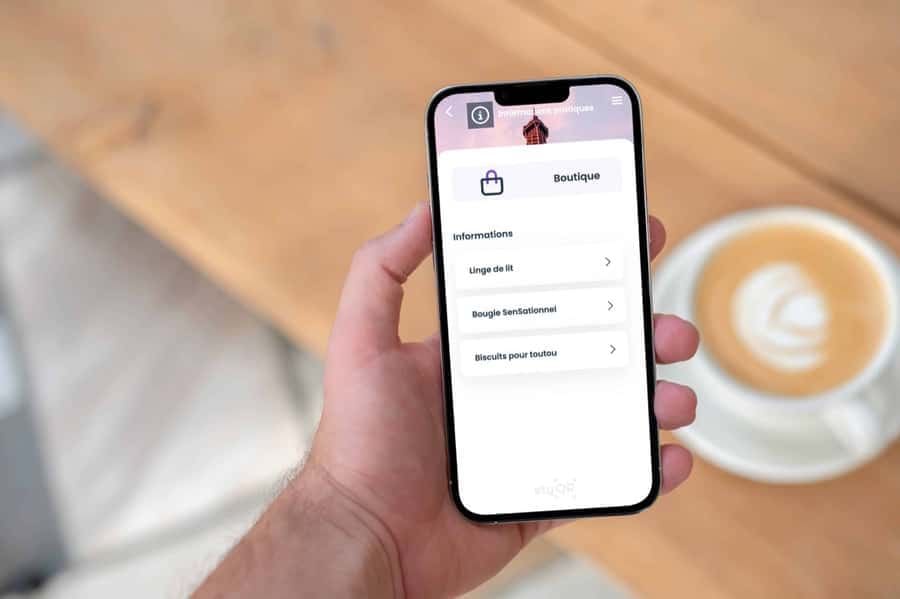
No. The condition report opens inside the welcome book, from their phone's browser.
Can I get written proof?
Yes, every condition report can be downloaded as a PDF from your account: photos, comments and signature included.
And for a guest from abroad?
Phone number verification handles international dialling codes, and the welcome book appears in their language.
You switch it on from your account, whenever you need it.
Start with the welcome book: 14-day trial, all the features, no card required. The extras can be added afterwards, à la carte.
Photo: Point3D Commercial Imaging Ltd. on Unsplash



Deliver a 5-star experience, with no extra effort
You already have all the information. You're just missing the tool. Your season starts soon: 10 minutes is often all it takes, as the AI does the heavy lifting.