
The three questions that always land at the worst moment.
The wifi, the keypad code, the way to the door. These are the most-read items in a welcome book, and the ones that trigger the most phone calls when they're missing.
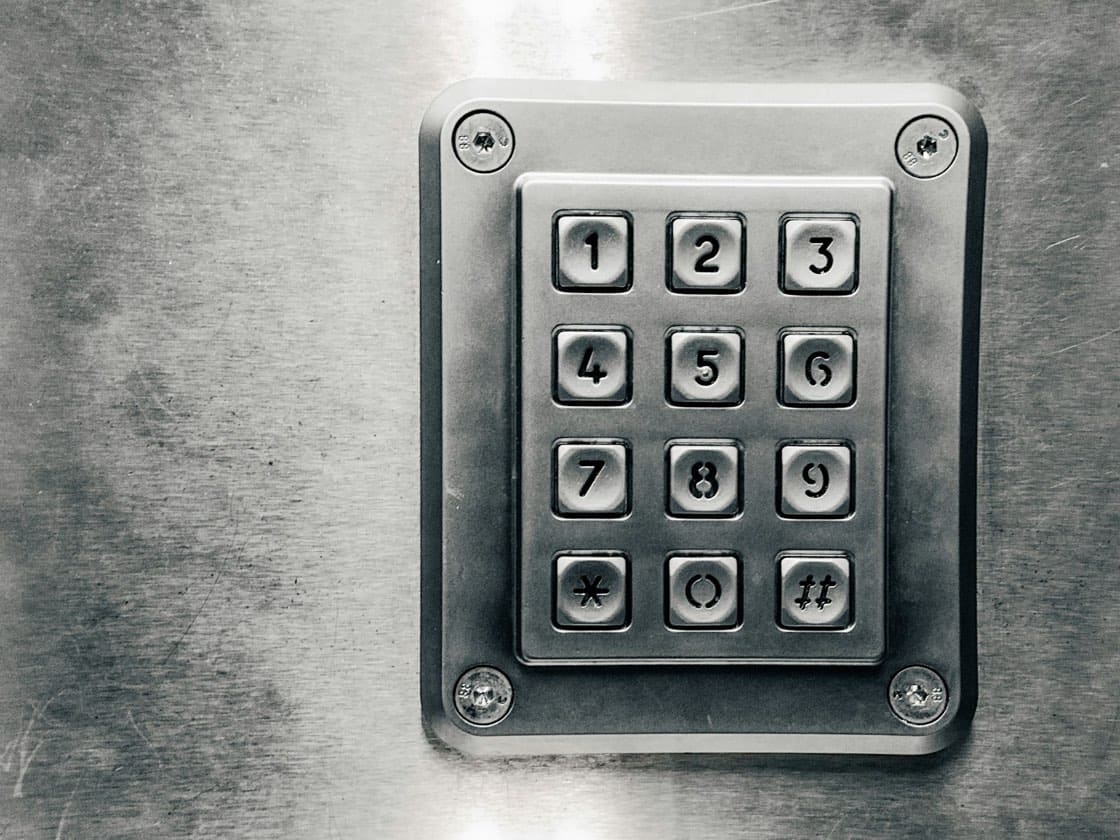
8.40pm, they're standing at the gate
The train was late, it's dark, and the code you sent by message is three screens further up the conversation. They call. You're at the dinner table.
How it works
What it includes
- The wifi code copyable in one tap, and where the router is
- As many access codes as you need, each one explained
- Directions and a copyable address
- Check-in details: times, keys, parking, floor
- Access lists, when the welcome book contains sensitive codes
The questions we're asked
Is it wise to put the codes in the welcome book?
The welcome book can be restricted with an access list: only authorised guests can open it, and you can track use. That's the right setting when it contains entry codes.
How do I cut off access after they leave?
You make the welcome book inactive (access closes, the content stays), or you only authorise guests currently staying, via an access list.
You switch it on from your account, whenever you need it.
Start with the welcome book: 14-day trial, all the features, no card required. The extras can be added afterwards, à la carte.
Photo: rc.xyz NFT gallery on Unsplash



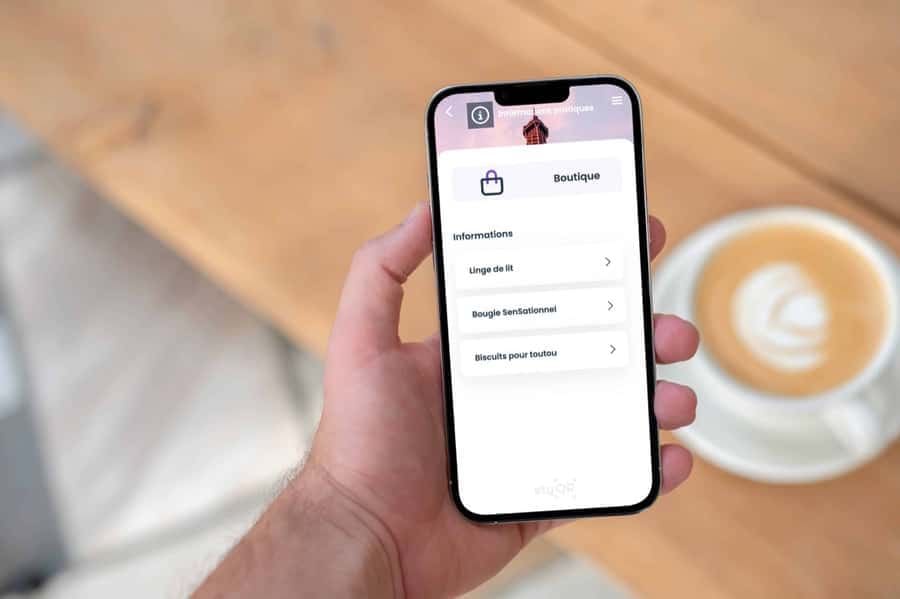
Deliver a 5-star experience, with no extra effort
You already have all the information. You're just missing the tool. Your season starts soon: 10 minutes is often all it takes, as the AI does the heavy lifting.